
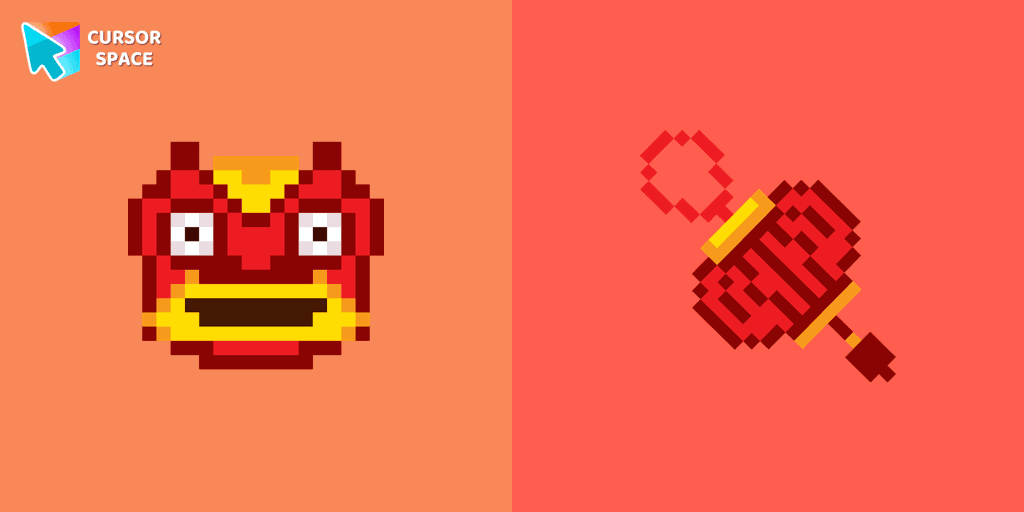
Chinese Dragon cursor
29Free
Welcome new beginnings with our Chinese dragon custom cursor in pixel style. Inspired by Chinese culture, this cursor symbolizes good luck and prosperity.
Browse our full collection of custom cursors. Find your next favorite style and install it for free.
Welcome new beginnings with our Chinese dragon custom cursor in pixel style. Inspired by Chinese culture, this cursor symbolizes good luck and prosperity.
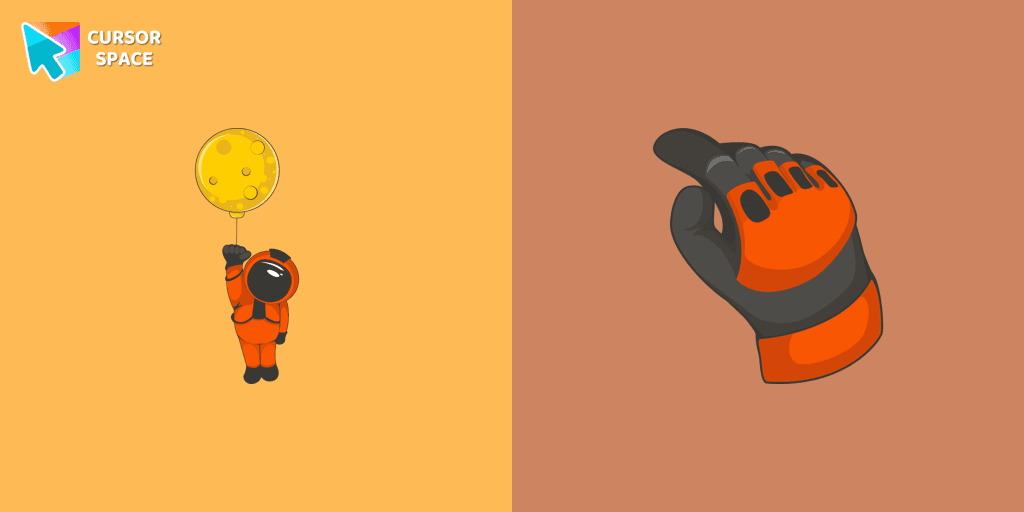
The well-designed Astronaut custom mouse cursor from our collection of custom space fiction mouse cursors.

Experience the magic of Disney with this custom cursor for Google Chrome. Celebrate iconic characters that bring joy and enchantment to your browsing.
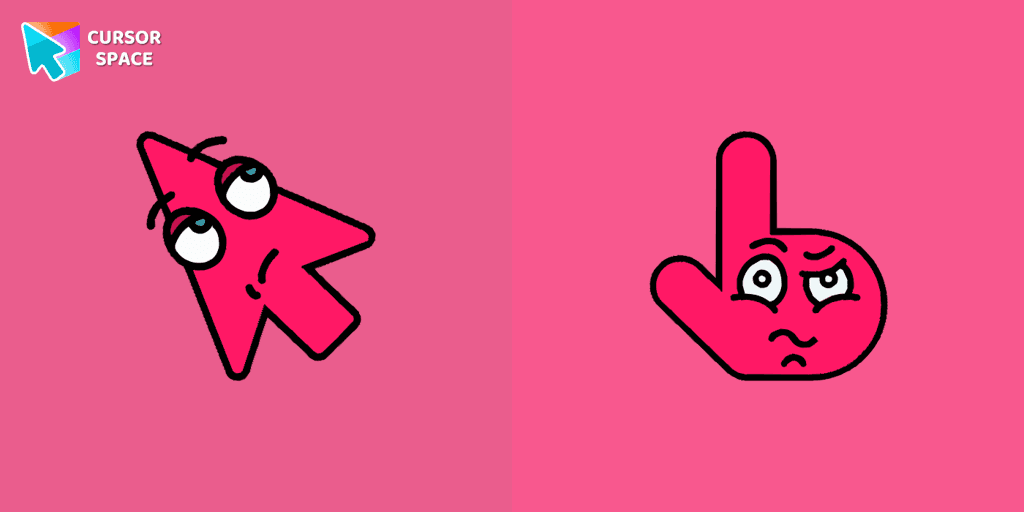
The Boring Cursor Emoji is a relatable custom cursor for Google Chrome that features a yawning emoji, perfect for expressing boredom while browsing or working.

Begin an adventure with our Sword custom cursor. Turn your browsing experience into a journey of precision and style.
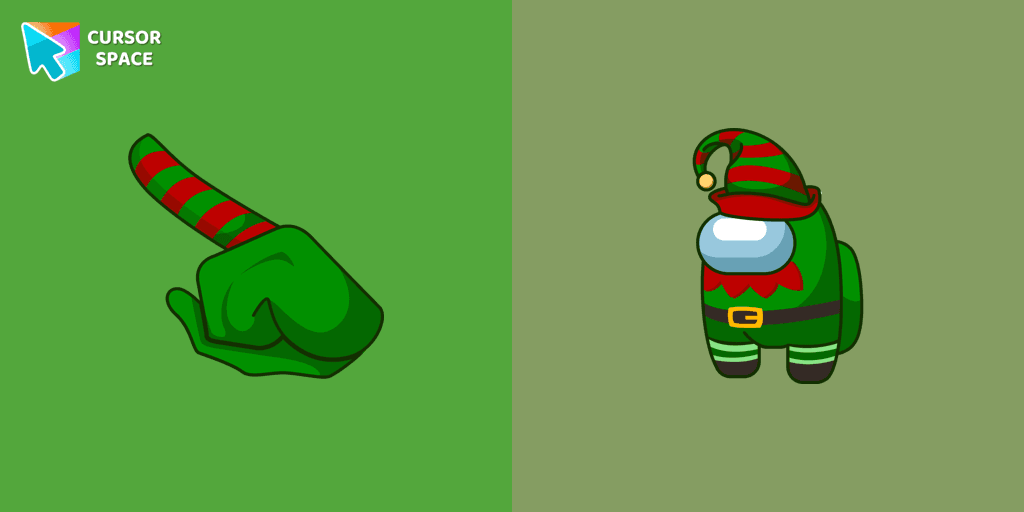
Use the cute Among Us Elf character cursor to create a New Year's mood.
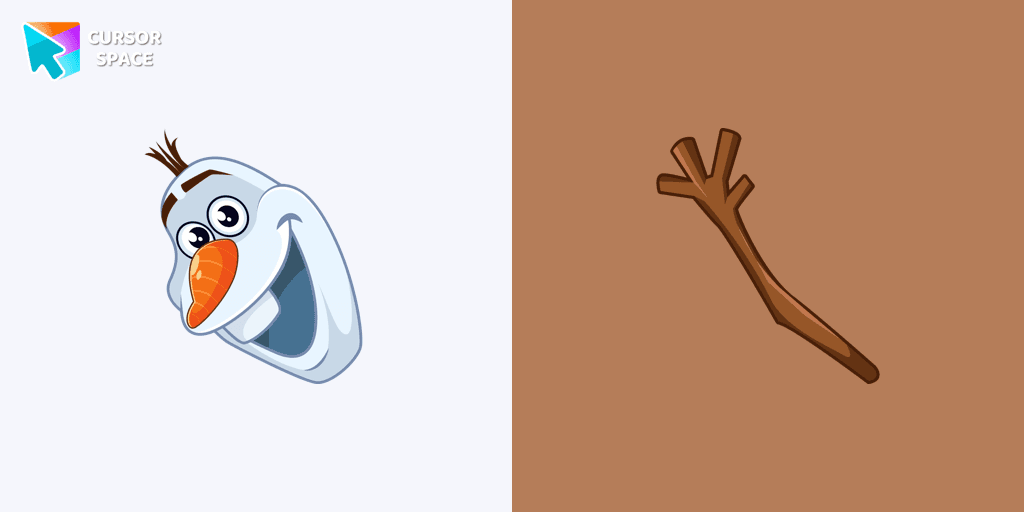
Add a custom Olaf cursor for the mouse and pointer from our Merry Christmas and Happy New Year collection of browser cursors.
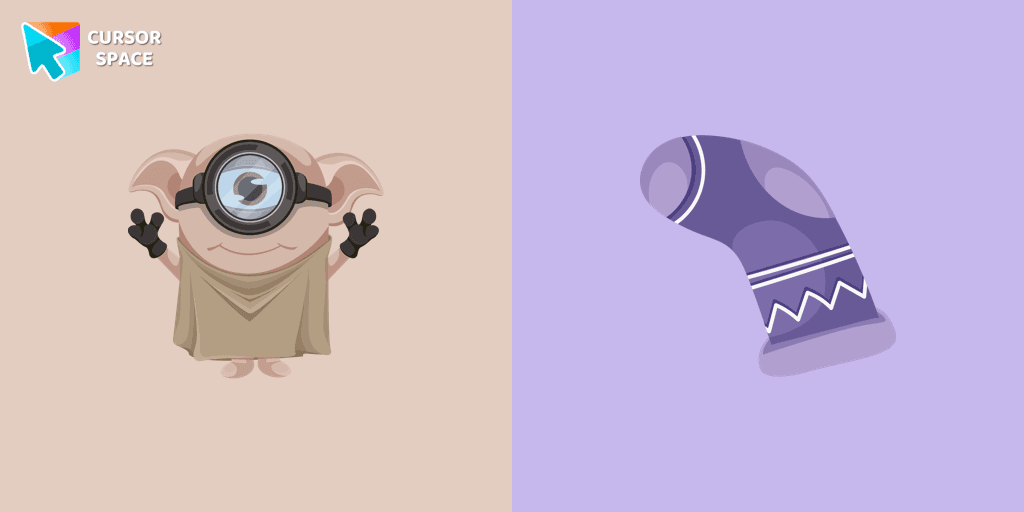
Cute Minion Dobby the house-elf cursor and pointer in our magic custom cursors collection with Minions.
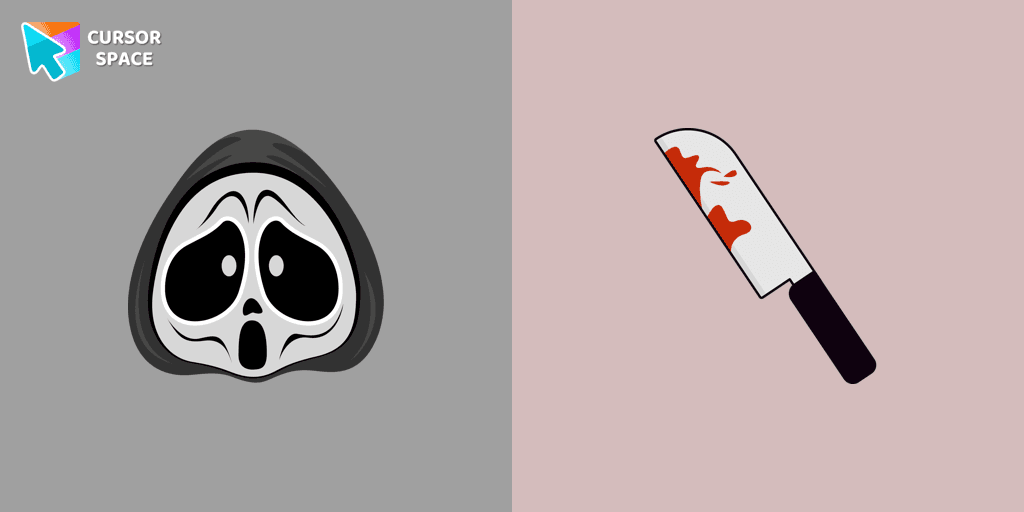
Ghostface cursor for mouse and custom hover pointer with a knife in our Halloween holiday collection of custom cursors.
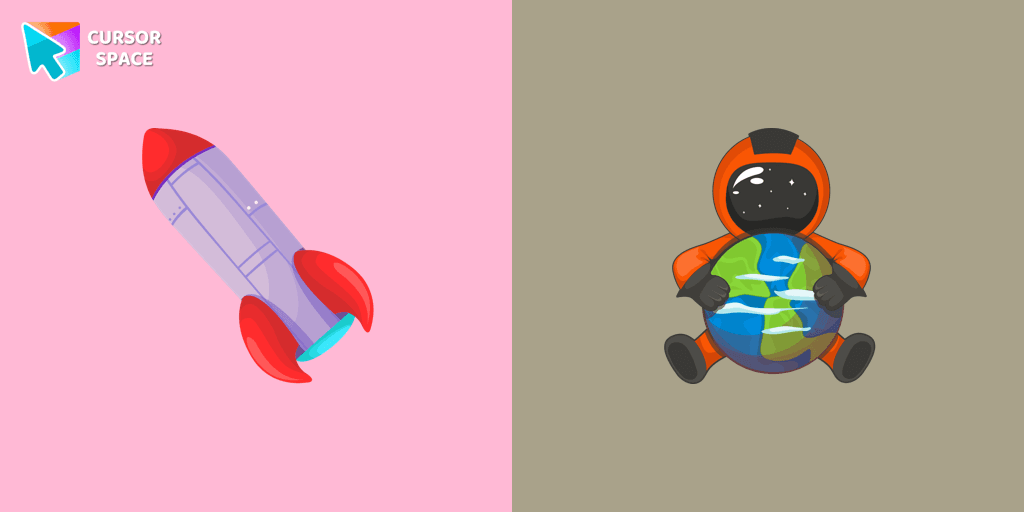
A well-designed custom cursor in the form of a constellation, from our fantastic collection of solar system cursors with planets and space.
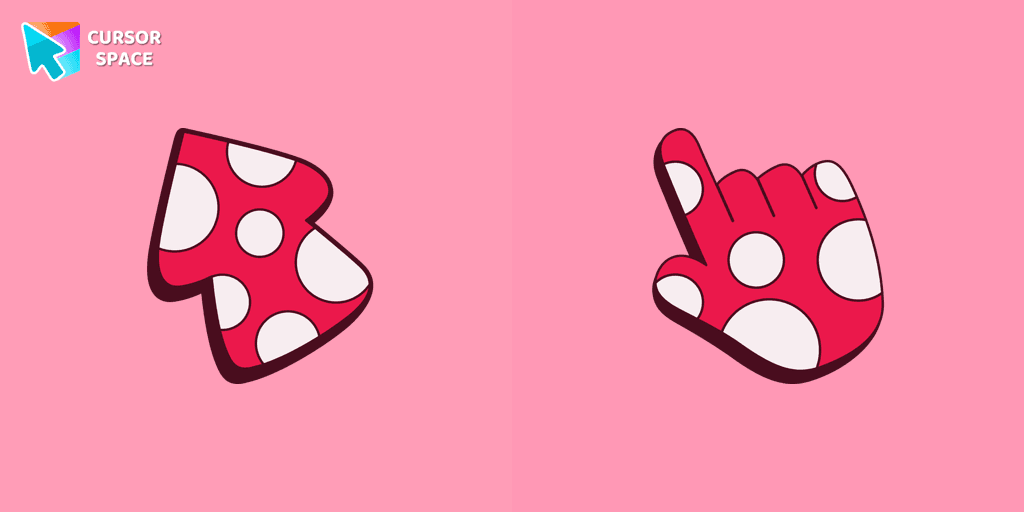
Unleash your creativity with the Amanita custom cursor, featuring a striking red and white design inspired by nature. Ideal for artists and nature enthusiasts!

Discover our custom cursor featuring a Christmas Dwarf in the Merry Christmas and Happy New Year custom cursors collection for Chrome.

Baffle your friends with the On the Other Side custom cursor. This custom cursor for Google Chrome reverses mouse controls, turning navigation into a challenging task.

Upgrade your browsing with the Flying Green custom cursor, featuring a sleek design and smooth flying animation for added elegance and excitement.

Meet our custom cursor with Ángel Di María in The Wishes custom cursors collection for Chrome.
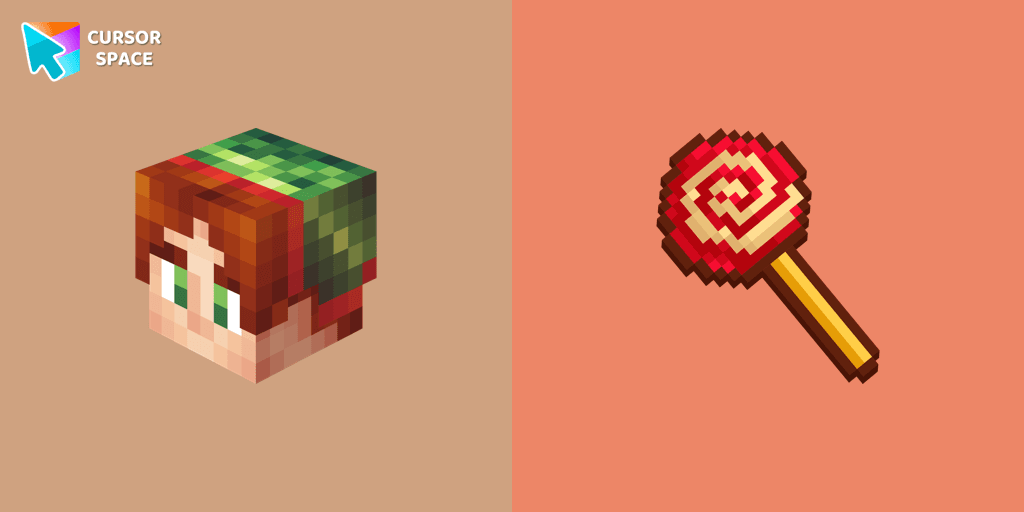
Elf as a custom mouse cursor in Minecraft style from our magical Merry Christmas and Happy New Year custom cursors collection.

Well-designed Minion Rubeus Hagrid from Minions custom cursors collection for mouse and pointer.
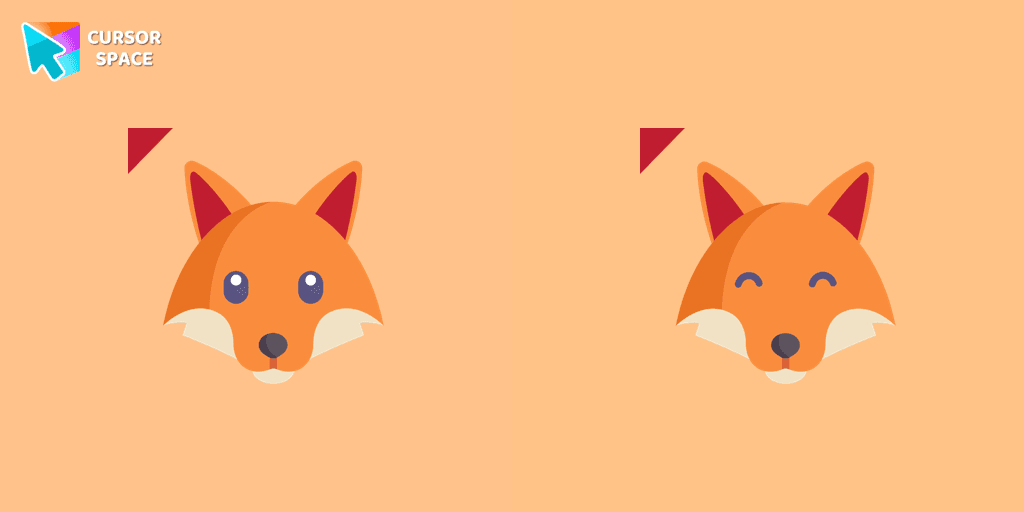
So cute custom cursor with fox will change your default mouse pointer to a real cuteness. Lovely foxy cursor won many hearts of our users. Add a custom cursor with fox from our cutest custom cursor collection for Chrome.

Teddy bear custom cursor for chrome is well-designed in the best cute traditional for out The cutest custom cursors collection for Chrome. Change the simple browser cursor to a sweet teddy bear cursor for mouse and pointer.

Enhance your browsing with a custom cursor for Google Chrome inspired by the Discord logo. Perfect for fans looking to refresh their cursor experience.
Cursor Space packs include curated cursor sets for everyday browsing: cute, minimal, anime, neon, pixel art, and more. Each pack comes with multiple cursor states (like default and pointer) and can be added to your browser in seconds.
Fresh picks based on what people install most often.
Browse themed sets grouped by vibe and aesthetic.
See weekly, monthly, and all‑time leaders.
Quick answers to common questions about cursor packs, collections, and installation.
Most cursor packs on Cursor Space are free to browse and install. Some packs may be marked premium depending on licensing. The Cursor Space browser extension is free to install from the Chrome Web Store.
Yes. Install the Cursor Space extension for Chromium-based browsers (Chrome, Edge, Brave), open a pack page, and click install/apply. The extension applies the cursor set across your browser.
Open the pack page, click the install or add button, install the Cursor Space extension if prompted, then apply the pack from the extension popup. Your new cursor appears immediately.
Yes. Open the Cursor Space extension, choose another pack, or restore the default system cursor from the extension settings.
Cursor Space is distributed via the Chrome Web Store and Edge Add-ons. Keep the extension updated, and only install packs from trusted catalog pages on this site.